Knowledgeroot
Structured Knowledge Management for Teams and Organizations
Version 1.1.0 is the stable release New: spaces, two-factor sign-in and an MCP server for AI assistants
Modern Technology, Proven Concept
Knowledgeroot is a self-hosted wiki for teams and public knowledge bases. Pages live in a tree, every change is kept, and access is controlled per page. Everything below ships in the stable release 1.1.0.
Content
Organize pages in a hierarchy with unlimited depth. Move a page together with its subtree; links, labels, comments and attachments stay intact.
Tiptap-based editor with headings, lists, quotes, code blocks, tables, links and images. MIT-licensed, no editor license key required.
Every change is archived before it is overwritten. Compare versions side by side, restore an earlier one, and bring back deleted pages.
Search titles and content, with results limited to what the current user may read. Attach files to pages, stored on disk or in an S3-compatible bucket.
Collaboration and Access
Read and edit rights per page for users and groups. Subpages inherit from their parent by default; explicit exceptions are possible where needed.
Run a fully public knowledge base, a strictly internal one, or both in a single installation. Guest access is granted per page and can be revoked for a whole subtree.
Saving checks the page revision. If someone else saved first, your draft stays in the browser and nothing is silently overwritten.
PBKDF2 password hashing, login throttling per account and address, and optional password recovery by email.
Operations
Official images on Docker Hub, built and vulnerability-scanned in CI, running as a non-root user. The production profile refuses unsafe settings at startup.
Liveness and readiness endpoints for orchestrators and reverse proxies, plus metrics for Prometheus-style scraping.
JSON endpoints for pages, files, users and groups, enforcing the same permissions as the web interface.
BSD-2-Clause licensed. Java 25, Spring Boot 4 and MariaDB; schema upgrades run automatically with Liquibase.
What's new in 1.1
Version 1.1.0 is the stable release of the 1.1 line, published on 6 November 2026.
It upgrades a 1.0 installation in place; see how to upgrade below.
Give each team its own page tree with its own permissions, like a Confluence space. A switcher in the header moves between spaces; search, favourites and the sidebar follow. Existing pages land in a default space on upgrade.
Time-based one-time codes from any authenticator app, with recovery codes. Administrators decide whether the second factor is off, optional, required for administrators or required for everyone.
Connect Claude or any other MCP client with OAuth 2.1 and your own account. Assistants search, read and, with your consent, write pages with exactly your permissions. Every call is recorded in an audit log for administrators.
A calmer dark mode in graphite grey instead of black, inspired by modern IDE themes, and a matching dark header in light mode.
A Flutter app for Android and iOS against the new client API: page tree, editor, attachments, comments, history, spaces and the second login step. Source on GitHub.
The interface in English, German, French, Spanish, Italian and Dutch, chosen per user. Markdown as the exchange format for assistants, labels and change filters in search, page resources and prompts for summaries and stale-page reviews, and tighter dependency pinning with a clean security scan.
Knowledgeroot Insights
Taken from a 1.1 installation with a small demo wiki.
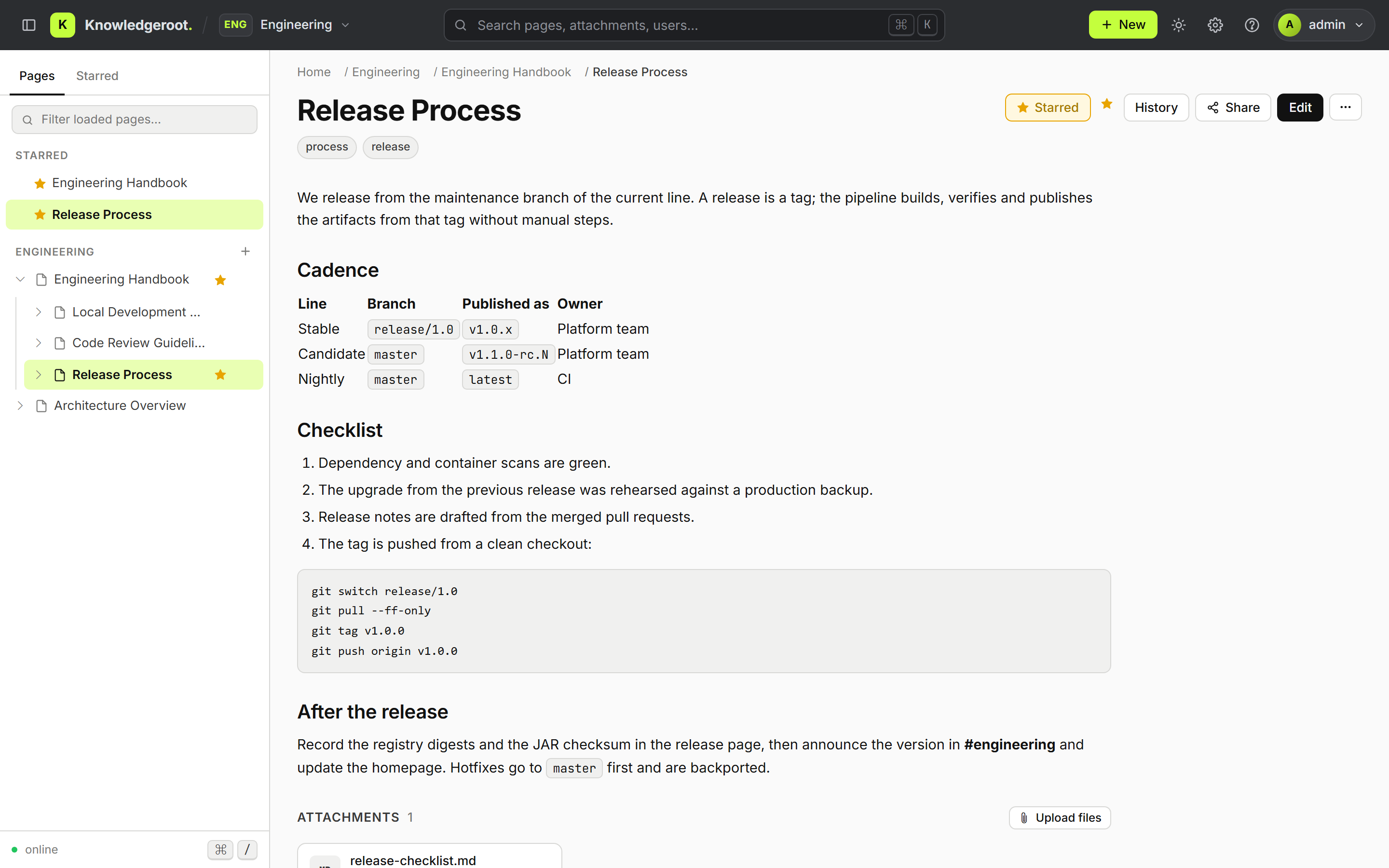
Page view with space, labels, table and code
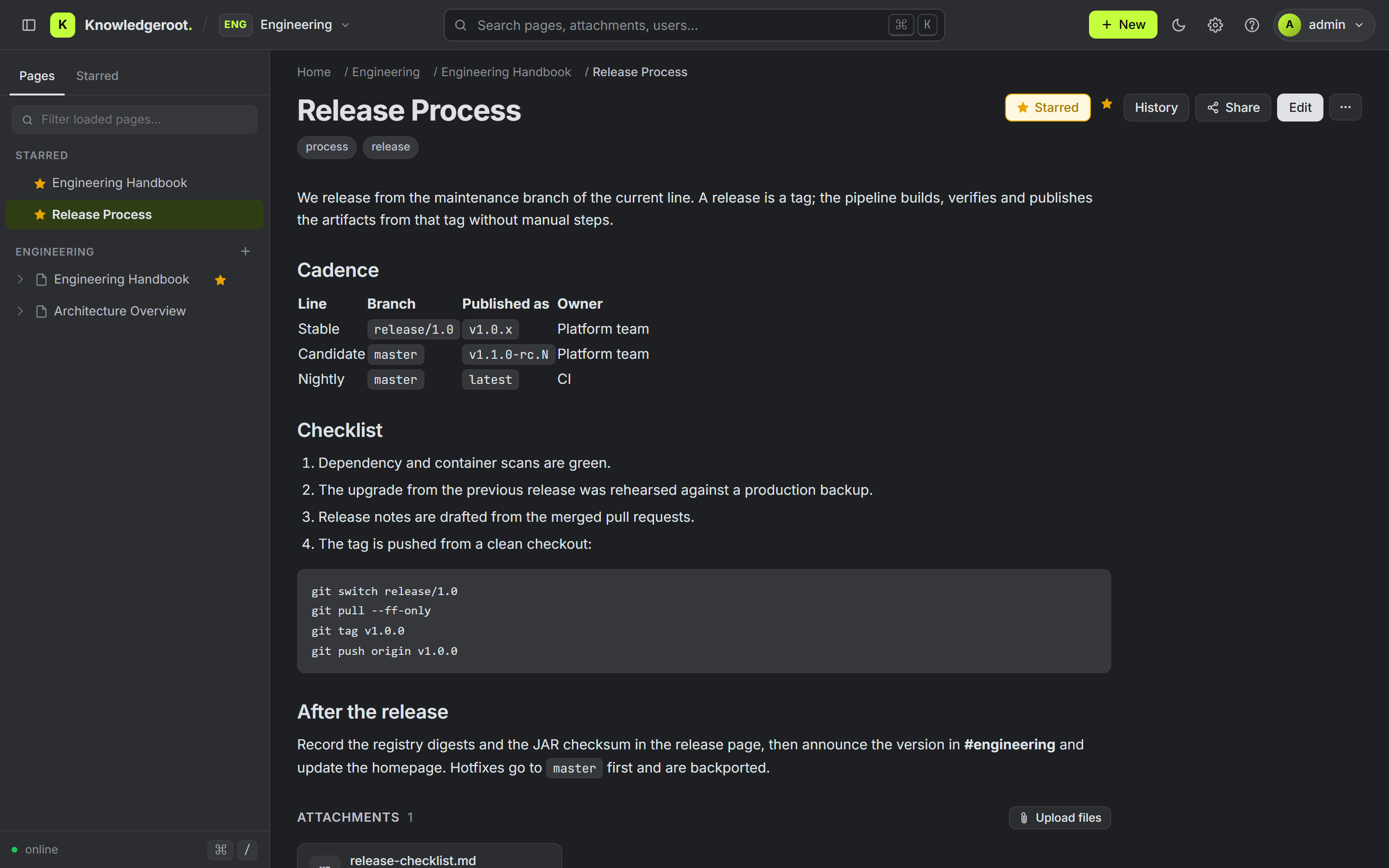
Graphite dark mode
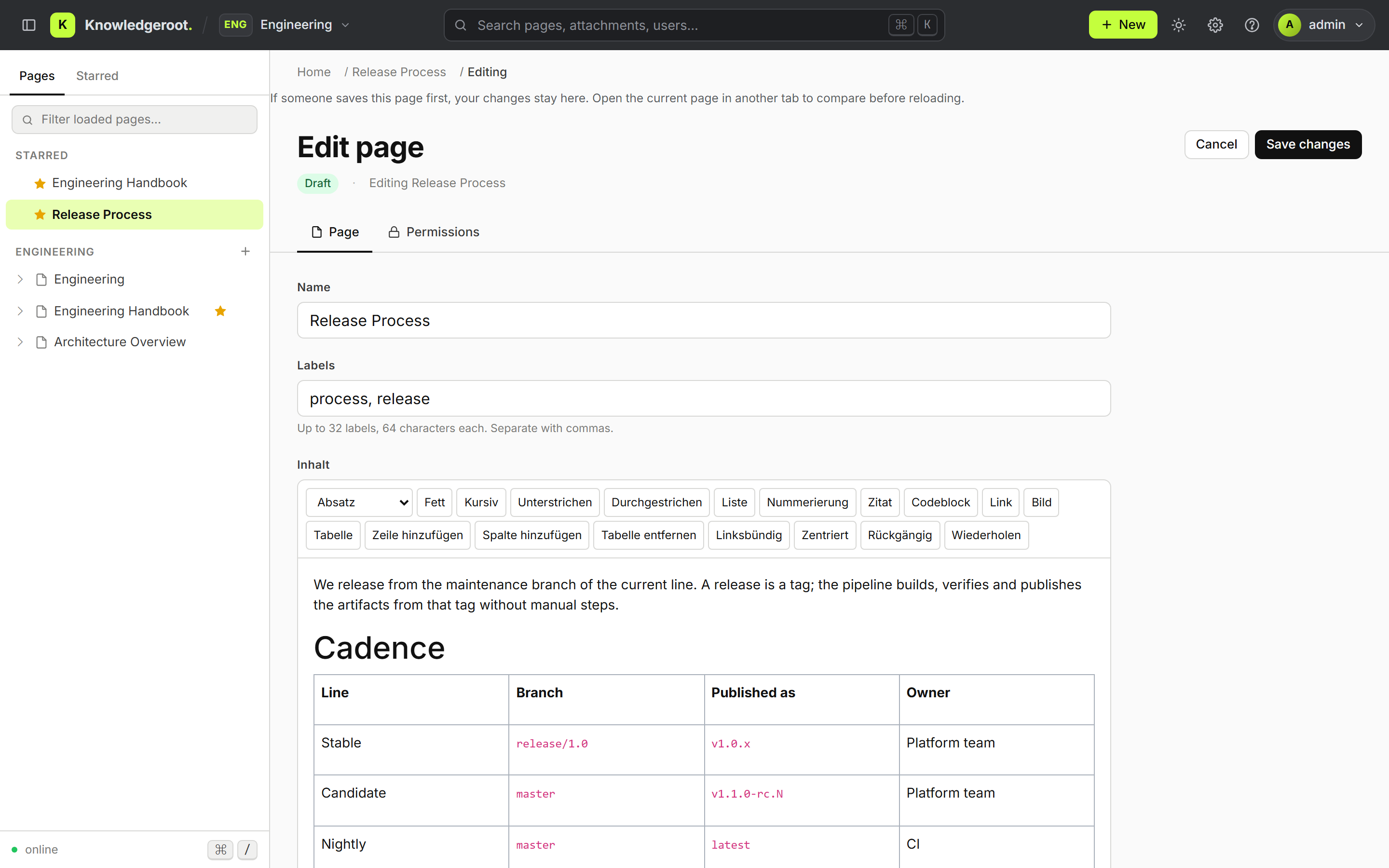
Editor with labels and permissions tab
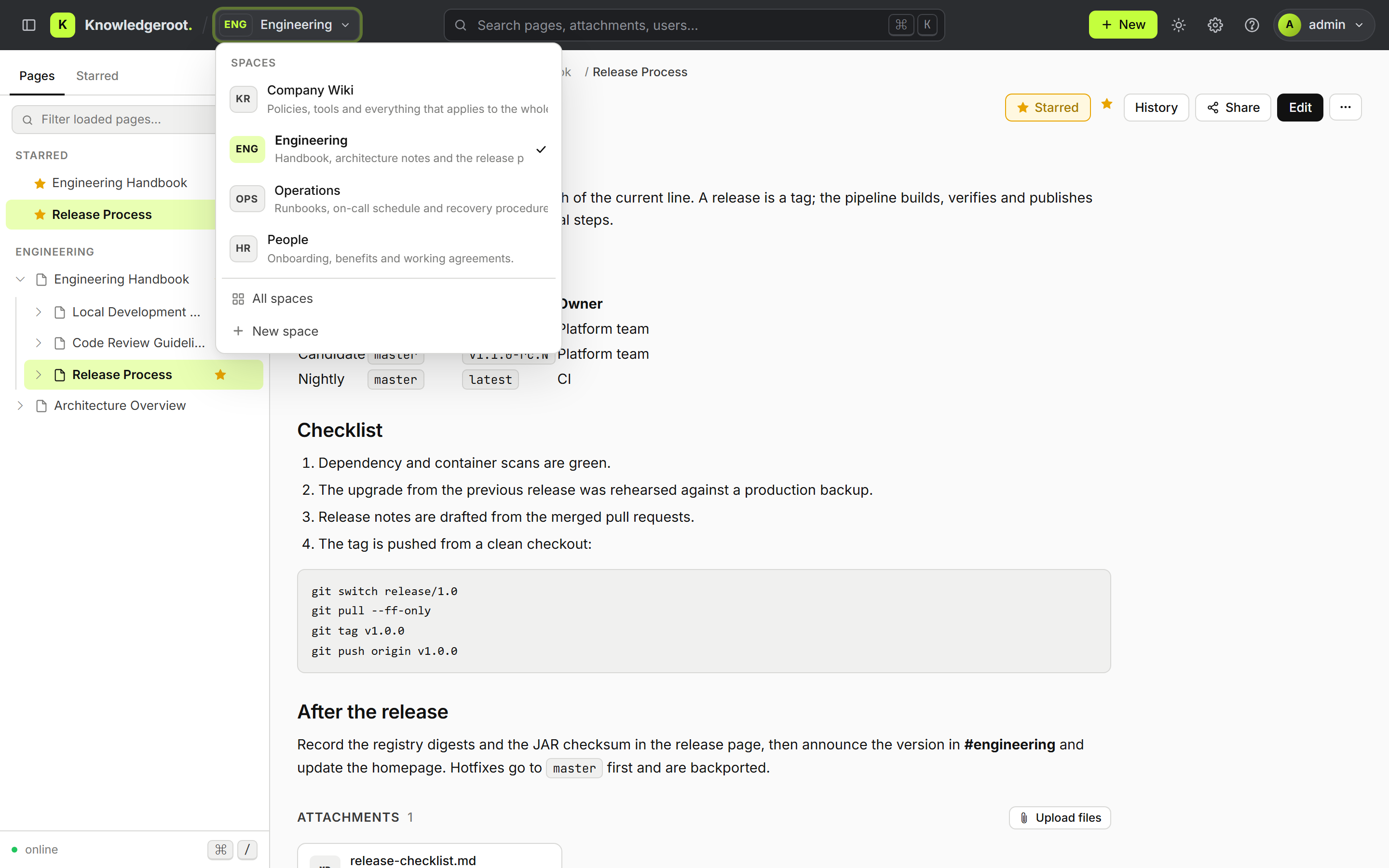
Space switcher
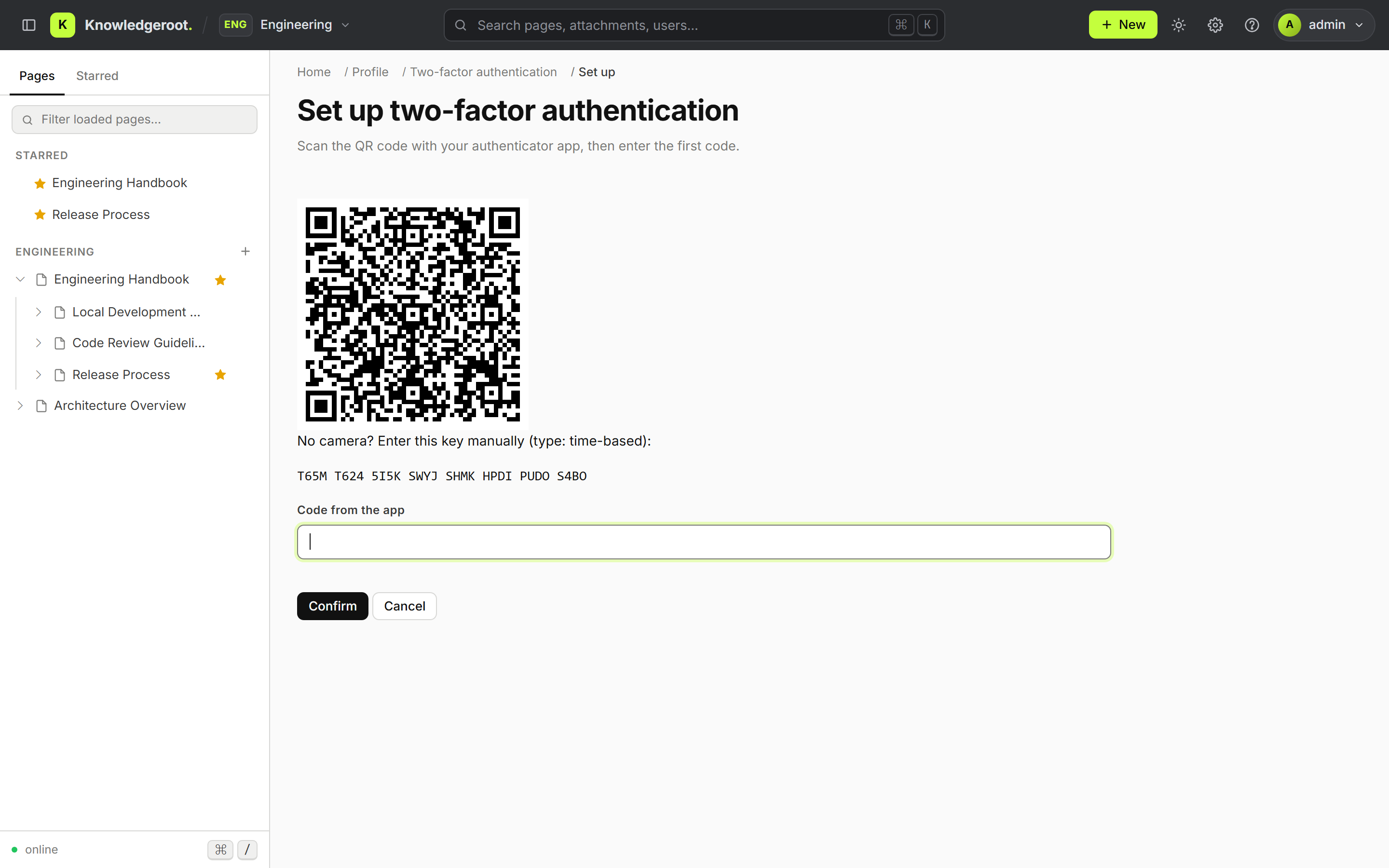
Two-factor authentication setup
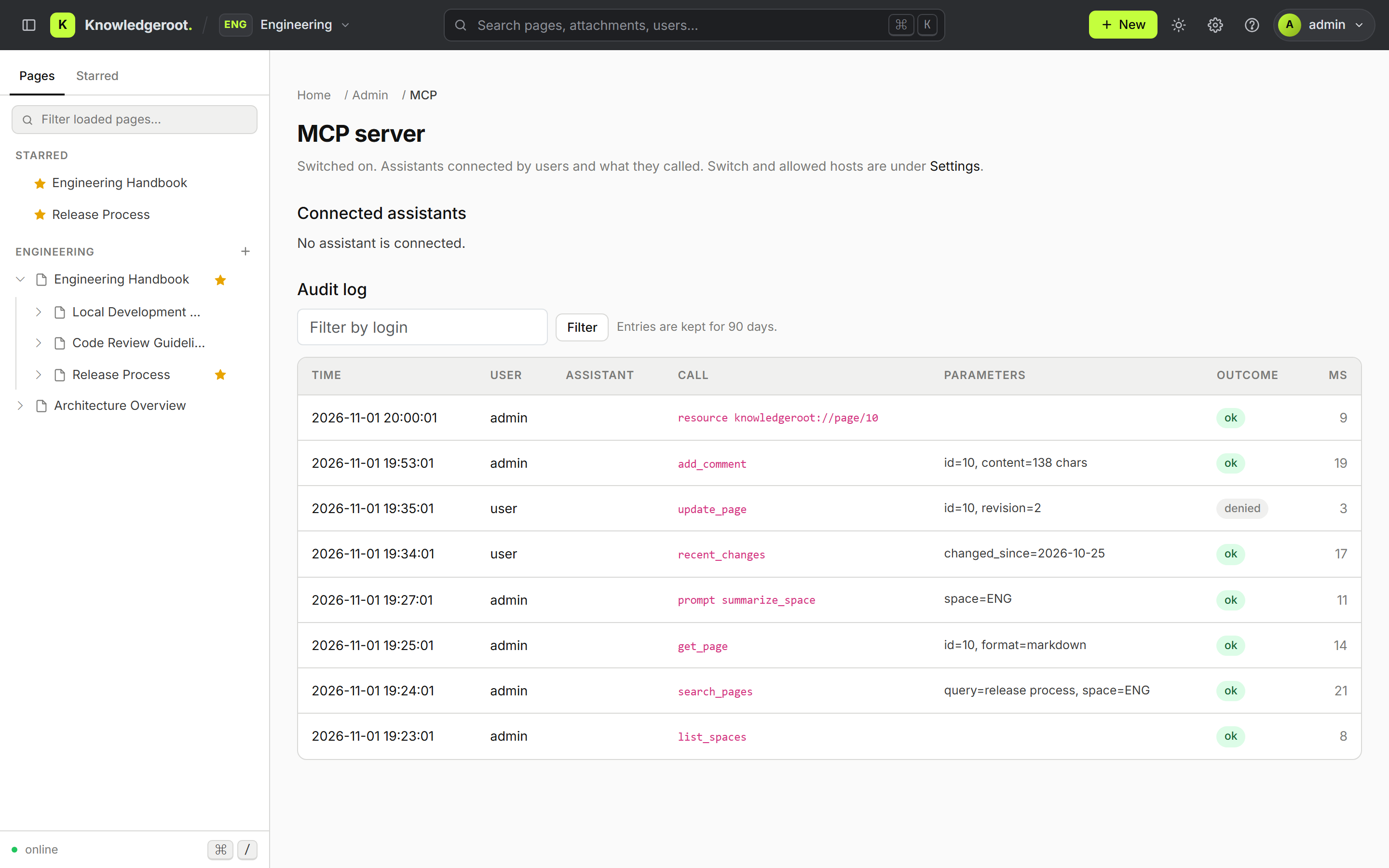
MCP server audit log for administrators
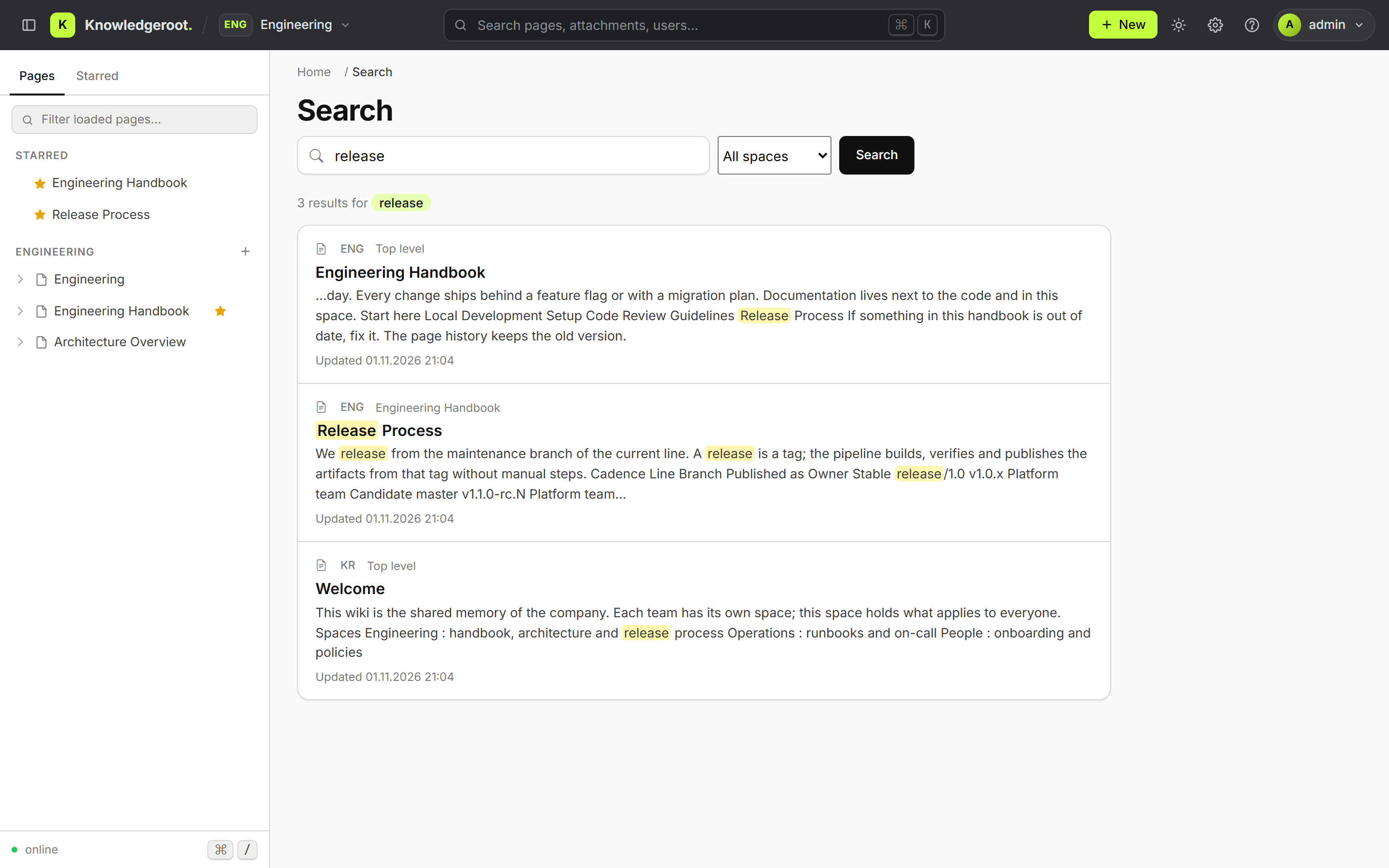
Search across spaces
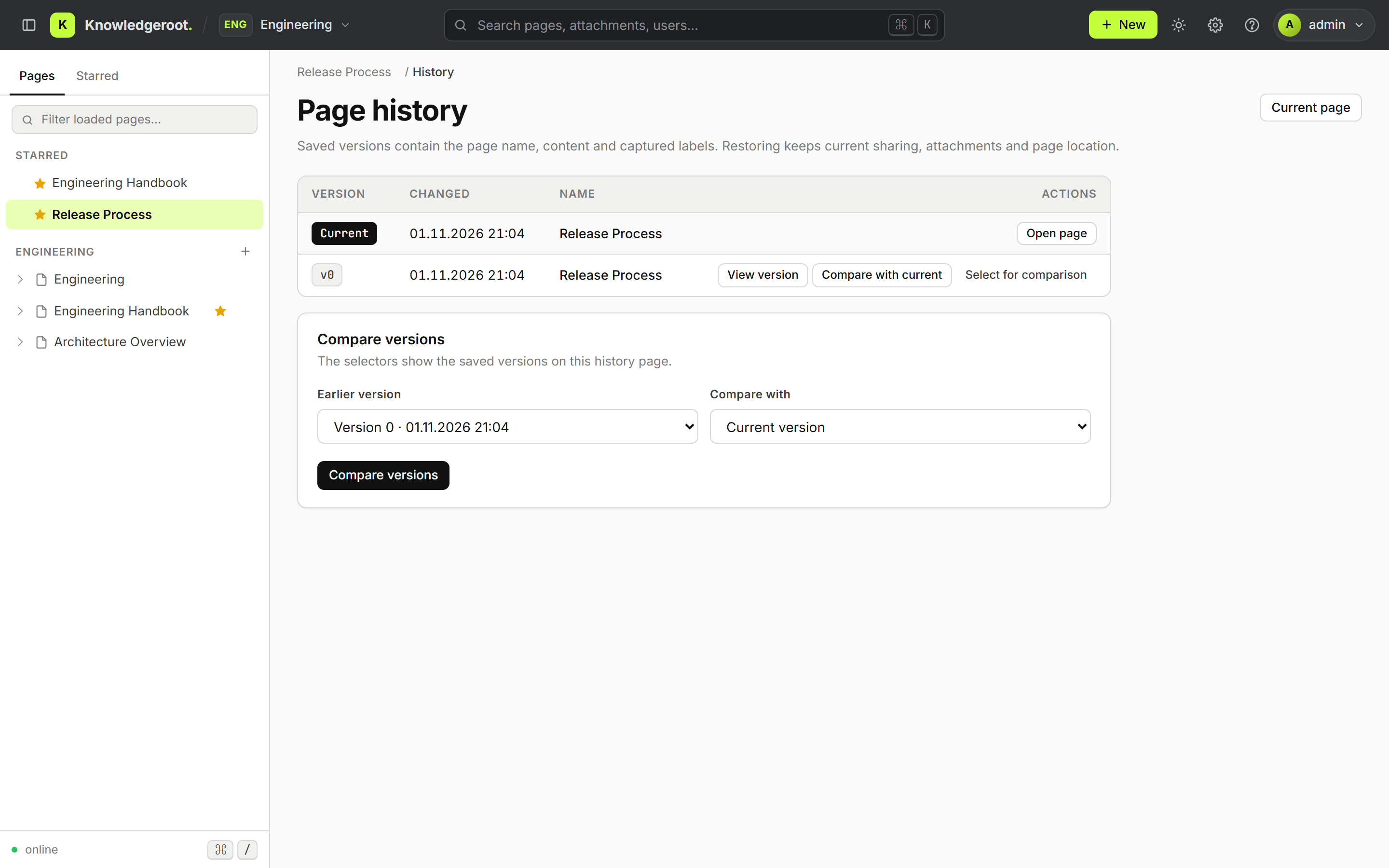
Page history and version comparison
Getting Started
Download
Current stable release: v1.1.0,
Docker tags v1.1.0 and database-v1.1.0.
The previous line stays available as v1.0.0;
the latest image follows the main branch and is not meant for production.
The JAR needs Java 25 and MariaDB; verify it with the
SHA256SUMS
from the release page, see below.
Docker Setup
Quick Start
Save the configuration below as docker-compose.yml and start it:
docker compose up -d
After starting, visit http://localhost:8080
Default Logins:
Login: user
Password: password

Login: admin
Password: password
This setup is meant for trying Knowledgeroot locally: the demo logins and database password are public. For a hardened deployment behind HTTPS see docs/production.md.
Docker Compose Configuration
services:
  app:
    container_name: knowledgeroot_app
    image: lordlamer/knowledgeroot:v1.1.0
    environment:
      # Development profile: demo logins admin/password and user/password, root database account allowed.
      SPRING_PROFILES_ACTIVE: development
      KR_DB_URL: jdbc:mariadb://mariadb:3306/knowledgeroot?createDatabaseIfNotExist=true&zeroDateTimeBehavior=convertToNull&useUnicode=true&characterEncoding=UTF-8&serverTimezone=Europe/Berlin
      KR_DB_USER: root
      KR_DB_PASSWORD: knowledgeroot
      KR_STORAGE_DRIVER: file
      KR_FILE_STORAGE_DIR: /var/lib/knowledgeroot/files
    volumes:
      - files:/var/lib/knowledgeroot/files
    ports:
      - "8080:8081"
    depends_on:
      mariadb:
        condition: service_healthy
    restart: unless-stopped
    networks:
      - knowledgeroot-network

  mariadb:
    container_name: knowledgeroot_mariadb
    image: mariadb:12.3
    environment:
      MARIADB_ROOT_PASSWORD: knowledgeroot
      MARIADB_DATABASE: knowledgeroot
    volumes:
      - mariadb:/var/lib/mysql
    ports:
      - "3306:3306"
    healthcheck:
      test: ["CMD", "healthcheck.sh", "--connect", "--innodb_initialized"]
      interval: 10s
      timeout: 5s
      retries: 12
    restart: unless-stopped
    networks:
      - knowledgeroot-network

networks:
  knowledgeroot-network:
    driver: bridge

volumes:
  mariadb:
  files:
Uploaded files are stored in the files volume; an S3-compatible store is optional
(KR_STORAGE_DRIVER=minio with the KR_MINIO_* variables).
Run the JAR without Docker
Every release tag also publishes the verified JAR as a
GitHub release,
together with SHA256SUMS, the release manifest and the audit reports.
It is the same JAR that ships inside the Docker image. You need Java 25 and a MariaDB server.
base=https://github.com/lordlamer/jknowledgeroot/releases/download/v1.1.0
curl -fsSLO "$base/knowledgeroot-1.1.0.jar"
curl -fsSLO "$base/SHA256SUMS"
sha256sum -c --ignore-missing SHA256SUMS

export SPRING_PROFILES_ACTIVE=development
export KR_DB_URL='jdbc:mariadb://localhost:3306/knowledgeroot?createDatabaseIfNotExist=true'
export KR_DB_USER=root
export KR_DB_PASSWORD=knowledgeroot
export KR_STORAGE_DRIVER=file
export KR_FILE_STORAGE_DIR=./files
java -jar knowledgeroot-1.1.0.jar
The application listens on http://localhost:8081 with the same demo logins as above.
For a production setup use the production profile with the variables described in
docs/installation.md and
docs/production.md.
Upgrading from 1.0
v1.1.0 is published as a
release on GitHub
and as Docker tags v1.1.0 and database-v1.1.0.
Compared with the release candidate it adds the interface languages and the November security updates of the base images.
A 1.0 installation upgrades in place:
- Take a backup of the database and the file storage; there is no downgrade path, a rollback restores the backup.
- Set
KR_MASTER_KEYfor the production profile: it encrypts the authenticator secrets and the OAuth signing keys and must stay the same afterwards. - Start the new version; the schema migrations run on startup and move all existing pages into a default space.
- Optional: enable the MCP server and the two-factor policy under Admin → Settings.
Connect an AI assistant
Point an MCP client such as Claude at https://your-host/mcp. The client registers itself,
you sign in with your Knowledgeroot account and choose read or read-and-write access. Details in
docs/mcp.md.
Found a problem? Please open an issue on GitHub with the version and the steps to reproduce.
Documentation
The documentation lives in the GitHub repository next to the code. The README is in English; the detailed guides are currently written in German.
Build, tests, initial administrator, page permissions, login and configuration overview.
First start, bootstrap administrator, demo mode and upgrading an existing installation.
Hardened compose setup, reverse proxy and HTTPS, separate database roles, backups.
Permission matrix, inheritance, guest access and how rights are enforced in UI and API.
Concurrent editing, viewing and restoring versions, deleted pages.
Local and S3-compatible storage, upload limits and cleanup.
Password rules, hash migration, login throttling and sessions.
Health probes, metrics, logs and alerting for container deployments.
What 1.0 and 1.1 contain, what is planned next, and how releases are built and verified.
Enabling the server, connecting a client, the tool set, resources, prompts, audit log and limits.
Spaces, two-factor authentication, moving page trees, comparing versions and changing your password.
The JSON API under /api/v1 used by the Flutter app for Android and iOS.
Important Migration Notice
The PHP version of Knowledgeroot is no longer supported. Please migrate to the Java version. There is no automated upgrade path from the PHP version yet; content has to be migrated manually.
Upgrades between releases of the Java version are automatic: the database schema is migrated on startup. See docs/installation.md for the upgrade checklist.